Your meetings, recorded and
summarized — without leaving your desk.
Minute Star sits quietly in your menu bar, records the room, transcribes it locally, and hands you a clean summary with decisions and action items — all saved as a plain Markdown file on your own disk. No account, no cloud upload, no telemetry.
Status: The macOS build is available to download and free while in testing — it isn't notarized yet, so opening it takes one extra click. A Windows 11 version is in development: it compiles and its core logic is covered by tests, but it hasn't been run on real hardware, so there's nothing to download yet. Neither app is on its store or purchasable yet; this page will link to each listing as it goes live.

Features
Everything happens while you're still in the room.
Start recording and a live feed of the conversation appears immediately — not after the call ends. Add typed notes and screenshots to the same timeline, and edit anything before it's saved.
Live transcript, as you talk
On-device transcription streams into the Live Notes window in short chunks while recording is still running — no waiting for the call to end.
Screenshots in the same reel
Capture the screen mid-meeting with an interactive picker — including across multiple monitors — and it drops into the timeline right where it happened.
Full edit control
Every transcript line and typed note can be edited or deleted from the reel before the meeting ends — nothing is locked until you stop recording.
Typed notes, inline
Drop in a note at any point during the meeting and it's woven into the same chronological feed as the transcript and screenshots.
Summary, decisions, action items
When you stop, Minute Star produces a short summary plus a decisions list and action items with owners — on top of the full transcript.
Plain files, your disk
Every meeting saves as a dated Markdown file with the audio alongside it, in a folder you choose. No database, no proprietary format.
How it works
Three steps. No sign-up.
Click Start Recording
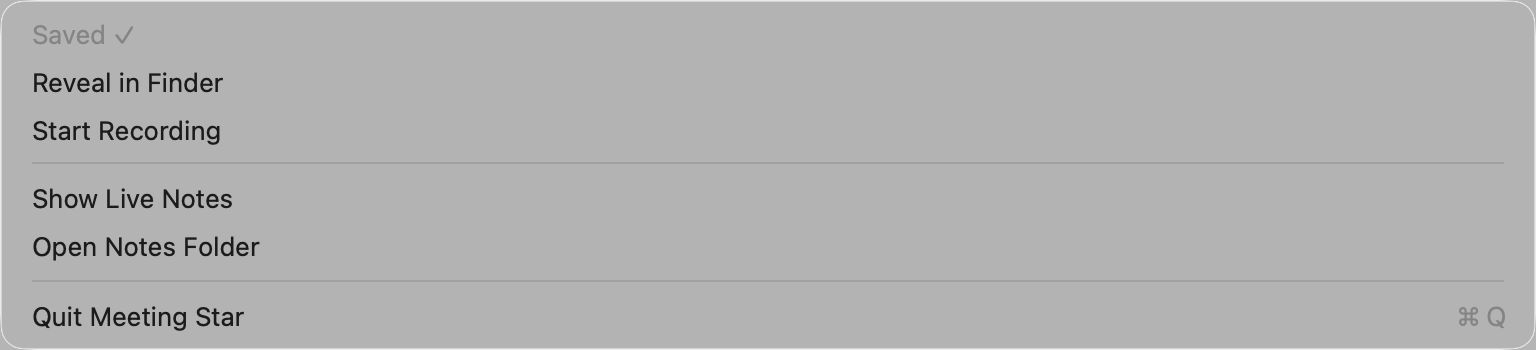
Minute Star captures your microphone (and system audio, when granted) directly from the menu bar — nothing else needs to be open.
Watch it transcribe live
Open Live Notes to see the transcript build in real time, add typed notes, or grab a screenshot — all without pausing the recording.
Stop, and get a summary
Minute Star mixes the audio, finalizes the transcript, and writes a summary with decisions and action items straight to your notes folder.
Privacy
Local-first, on purpose.
There is no Minute Star server. The app runs entirely on your Mac, under Apple's App Sandbox, and only talks to the network when you've configured it to.
- ✓No accounts. Nothing to sign up for, nothing tied to an identity.
- ✓No telemetry. Minute Star doesn't phone home, ever — there's no backend to phone home to.
- ✓Transcription runs on-device, via a local, in-process Whisper model — your audio doesn't leave the Mac to become text.
- ✓Summarization is opt-in and disclosed. Only the final transcript — never raw audio — is sent to the AI provider you configure, and only to produce the summary.
- ✓You choose the save folder via a sandboxed file picker, and Minute Star only ever writes inside it.
- ✓Everything is a plain file. Delete a meeting by deleting its Markdown and audio files — there's nothing else holding a copy.
Pricing
One plan, once it ships.
Minute Star will be a paid subscription on the Mac App Store. The price below is what's planned for launch — it isn't purchasable yet.
- Unlimited recordings, stored locally
- Live transcript & reel view
- On-device transcription (no per-minute fees)
- Summaries, decisions & action items
- Screenshots & typed notes in the same timeline
You'll need your own API key for summarization — see Requirements below. Minute Star doesn't mark up or meter that usage.
Download
Get the build.
These are real builds, not installers for a finished product — Minute Star hasn't been through App Store or Microsoft Store review yet, so each one needs a manual step to open. Both are free while in testing.
Loading builds…
Platforms
Mac today, Windows next.
Minute Star is a native app on each platform, not one cross-platform shell wrapped twice — which is what lets transcription run on-device and the recording sit quietly in the menu bar or system tray where it belongs.
macOS — in testing
The complete app: live transcript reel, typed notes, multi-monitor screenshots, full editing, and summaries. Built natively in Swift, running under the App Sandbox, in local testing ahead of Mac App Store review.
Windows 11 — in development
A native WinUI 3 rebuild with the same feature set, headed for the Microsoft Store. It compiles and its core logic is covered by 57 passing tests, but it hasn't been run on real hardware yet — so there's nothing to download today, and we'd rather say that than ship something untested.
Requirements
What you'll need.
| macOS | A recent Apple Silicon or Intel Mac. Minute Star runs as a menu bar app under the standard App Sandbox. |
|---|---|
| Windows | Windows 11 (build 22000 or newer), as a tray app. In development — see Platforms below. |
| Permissions | Microphone access (required); on macOS, Screen & System Audio Recording (optional, for capturing other participants and for screenshots). |
| Transcription | Runs fully on-device via a local Whisper model — no external account needed. |
| Summarization | Your own free API key from OpenRouter, set once. Minute Star still saves the full transcript if you skip this. |
| Storage | You pick the folder on first launch — notes, audio and screenshots are written there and nowhere else. |
FAQ
Good to know.
Does Minute Star upload my meetings anywhere?
No. Recording, mixing and transcription all happen on your Mac. The only network call Minute Star makes is sending the finished transcript to your configured AI provider to generate the summary — and only if you've set that up.
What happens if I don't set up an API key?
Minute Star still records, transcribes locally, and saves the full transcript to your notes file. You just won't get the auto-generated summary, decisions and action items on top.
Can I edit a meeting after it's saved?
Every entry in the live reel — transcript lines and typed notes — can be edited or deleted while the meeting is still recording. Once saved, the note is a plain Markdown file you can edit like any other.
Where are my notes stored?
Wherever you pick on first launch. Each meeting is one dated Markdown file with its audio recording alongside it — nothing is stored in a database or synced anywhere unless you choose to.
Is it available yet?
The macOS build is available to download now, free while in testing — it's a real build, just not yet through App Store review, so it isn't notarized and needs Right-click → Open the first time. The Windows 11 version is earlier still: it compiles, but it hasn't been run on real hardware, so it isn't offered yet.